Where does your GPS data actually live?
Every major fitness app on iPhone writes workout data to Apple Health, including GPS routes. Strava, Garmin Connect, Wahoo, AllTrails, and Apple Fitness all store your routes in the same Health database on your device. This has been the case since iOS 8.
That GPS data includes:
- Start and end time
- Full GPS polyline (the actual route, as a series of coordinates)
- Heart rate, pace, distance, and elevation
- Workout type (running, hiking, cycling, etc.)
The data is yours, stored locally on your device, and accessible to any app you grant Health permission to. Most people don't realize how far back it goes - if you've been using Strava or Garmin since 2016, all of that history is already there.
Method 1: Use MoveMap (iPhone, free)
MoveMap reads your entire GPS history from Apple Health and draws all of it on one map. This is the fastest method and requires no export or manual upload.
Download MoveMap
Get it free from the App Store. No account required.
Grant Health access
On first launch, MoveMap requests access to your Workouts in Apple Health. Tap "Allow" when prompted. This is the only permission the app needs.
Wait for the import
MoveMap reads every GPS workout in your Apple Health, with no year limit. For most people with a few hundred workouts, this takes under 30 seconds. A progress indicator shows you how many routes have loaded.
Explore your map
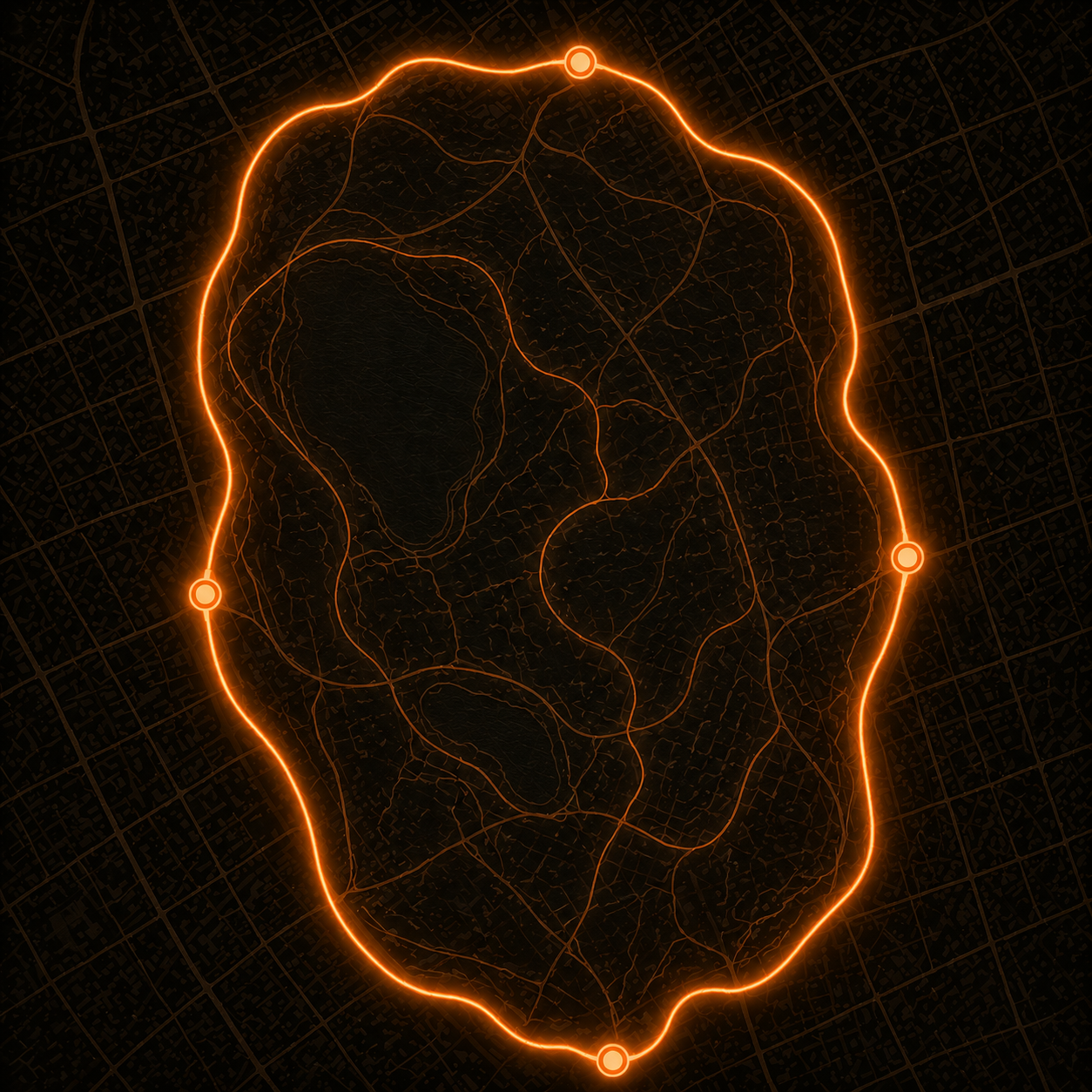
Your entire GPS history appears as glowing route lines on the map. Pinch and pan like any map app. Use the timeline scrubber on the right edge to filter by year or month.
Note on the free tier: MoveMap free shows your most recent 12 months of routes. MoveMap Pro unlocks your full lifetime map - every year of GPS history you have, with a 7-day free trial on Monthly. A one-time Lifetime unlock is also available.
What about workouts not in Apple Health?
If some of your runs are in Strava but not in Apple Health, you can fix that in Strava's settings:
- Open Strava on your iPhone
- Tap your profile photo, then Settings
- Tap "Health" under "Other"
- Toggle on "Write Fitness Data to Health"
Strava will begin syncing new activities to Health going forward. Historical activities are not retroactively synced - only new ones after you enable the toggle. For full history, you'd need to re-import via GPX (see below).
Garmin Connect works the same way: go to Settings > Health Integrations > Apple Health and enable syncing.
Method 2: Export GPX files (advanced)
If you want to work with your GPS data outside of Apple Health - for example, to import routes recorded on a GPS device that predates HealthKit - you can export GPX files directly from most apps.
GPX (GPS Exchange Format) is an open XML format that stores route coordinates, timestamps, and elevation. Every major GPS device and app supports it.
How to export from Strava: go to any activity, tap the three-dot menu, and choose "Export GPX." From Garmin: open the activity in Garmin Connect and tap "Export to GPX" from the activity detail screen.
Once you have GPX files, you can import them into Apple Health using a third-party import app, which will then make them visible in MoveMap alongside your existing routes.
Frequently asked questions
Does this work with Garmin watches?
Yes. Enable Apple Health sync in the Garmin Connect app (Settings > Health Integrations > Apple Health) and your Garmin workouts will appear in MoveMap. Garmin's GPS accuracy is excellent and all route data transfers correctly.
Do my routes leave my iPhone?
With MoveMap: no. The app reads GPS data locally from HealthKit and processes it entirely on-device. Routes are never uploaded to any server. The app works without an internet connection after the initial download.
What if I ran before smartphones?
GPS watches have been around since the early 2000s. If you have a Garmin, Polar, or other GPS watch from before 2014, you can typically export your historical activities as GPX files from the manufacturer's desktop software and import them into Apple Health.
Can I see runs from different countries on one map?
Yes. The map in MoveMap has no boundaries - you can zoom out to see a world map with all your routes on every continent. MoveMap also groups routes by country and shows you total distance per country in the Countries tab.