Where Apple Watch GPS data actually lives
Every time you start an outdoor workout on Apple Watch (Outdoor Run, Outdoor Walk, Outdoor Cycle, Hiking, Open Water Swim), the watch records GPS coordinates the entire time. When the workout ends, the route is bundled with the workout summary and synced to your iPhone, where it's stored in Apple Health.
The data is structured as a HealthKit workout with an attached route series - a continuous sequence of latitude, longitude, altitude, and timestamp samples. It includes:
- Full GPS polyline of the route
- Heart rate, pace, and elevation samples
- Workout type and duration
- Calorie estimate
The data is stored locally on your iPhone. Apple doesn't upload it to a server, and no third-party app can read it without you explicitly granting Health permission.
Why Apple Fitness doesn't show them all together
The Fitness app is designed around individual workouts. You can scroll through a list of past workouts and tap any one to see its map, but there's no view that shows your routes overlaid as a single lifetime map. There's no heatmap. There's no Coverage dashboard. There's no Year in Review.
This is by design - Apple's framing for the Fitness app is rings, streaks, and individual session detail. Lifetime visualization isn't part of the brief, which is why a small ecosystem of third-party apps reads from Apple Health to fill the gap.
How to see every Apple Watch workout on one map
The fastest path is to install MoveMap. It reads from Apple Health directly and renders your entire outdoor-workout history as a single map.
Download MoveMap from the App Store
Free to download, no account required, works on any iPhone running iOS 17 or later.
Grant Health access on first launch
MoveMap asks for read access to Workouts and Workout Routes. Tap "Allow." This is the only permission the app requests, and it lets MoveMap see what your Apple Watch has already recorded.
Wait for the import
MoveMap reads every outdoor workout in your Apple Health. For most users with a few hundred workouts, this takes under 30 seconds. A progress indicator shows how many routes have loaded.
Explore your lifetime map
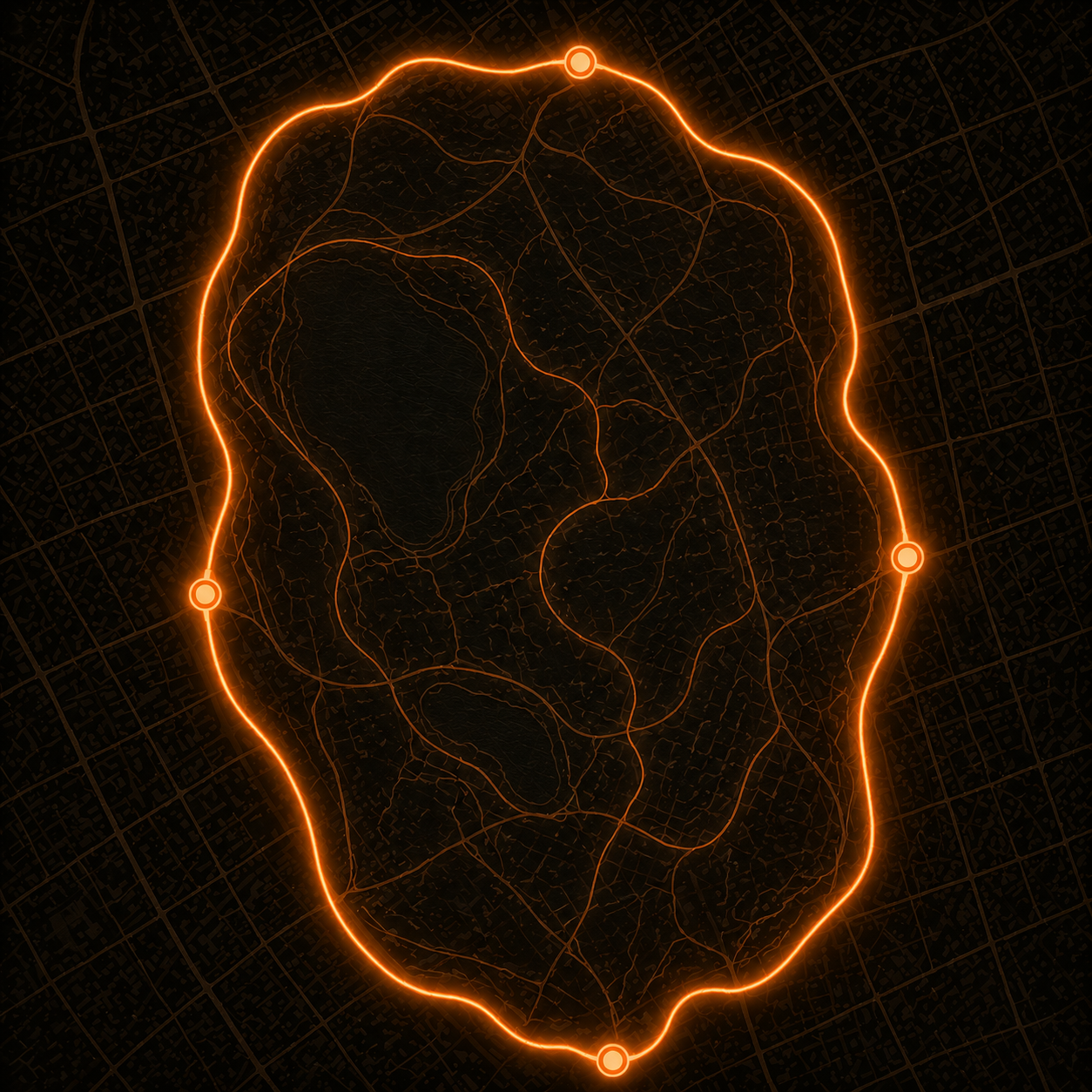
Every outdoor Apple Watch workout appears as a glowing route. Pinch and pan like any map app. Drag the timeline scrubber on the right edge to filter by year or month, or tap the activity icons to show only runs, only walks, or only rides.
Note on the free tier: MoveMap free shows your most recent 12 months of routes. MoveMap Pro unlocks your full lifetime map - every year of Apple Watch GPS history you have. There's a 7-day free trial on Monthly, and a one-time Lifetime unlock for users who'd rather not subscribe.
"My Apple Watch workout map is missing" - what to fix
The most common reason a route doesn't appear is that Location Services for Apple Watch Workout was set to "Never" when the workout was recorded. Apple Watch can only capture GPS if it has location permission for the Workout app.
To check and fix:
- Open the Settings app on your iPhone
- Tap Privacy & Security
- Tap Location Services (make sure the master toggle at the top is ON)
- Scroll down to Apple Watch Workout
- Set it to While Using the App or Always
Workouts recorded before this setting was enabled won't retroactively have a route - the GPS was never captured. But every future outdoor workout will include the full route, and it'll show up in MoveMap automatically.
Apple Watch with other apps (Strava, Garmin, Wahoo)
If you record with Strava on your Apple Watch instead of the built-in Workout app, the route is captured by Strava and synced to its own database. To make those routes appear in Apple Health (and therefore in MoveMap), enable Apple Health sync in Strava's settings: Profile photo > Settings > Health > toggle on "Write Fitness Data to Health."
Garmin's wearables (Forerunner, Fenix, Venu) sync via the Garmin Connect iPhone app. Open Garmin Connect, tap Settings > Health Integrations > Apple Health, and enable syncing. Once enabled, every Garmin activity also lands in Apple Health.
Frequently asked questions
Why is my Apple Watch workout map missing?
Most common cause: Location Services for the Apple Watch Workout app was set to "Never" when the workout was recorded. Fix it under Settings > Privacy & Security > Location Services > Apple Watch Workout. Past workouts can't be recovered, but future ones will include routes.
Where are Apple Watch GPS routes stored?
On your iPhone, in Apple Health. They're stored locally - not uploaded to Apple's servers - and accessible to any app you grant HealthKit permission to.
Can I see all my Apple Watch workouts on one map?
Not in the built-in Apple Fitness app. Fitness shows one route per workout. MoveMap reads from Apple Health and renders every outdoor Apple Watch workout as a single lifetime map.
Do indoor workouts show up?
No. Indoor workouts (Treadmill, Indoor Cycle, Rower, Strength) don't capture GPS because they aren't outdoor routes. They stay in Apple Fitness for the stats but don't appear on the map.
Does this work without an iPhone?
No. Apple Watch syncs its GPS data to the paired iPhone, and MoveMap is an iPhone app that reads Apple Health on the phone. The watch itself doesn't store a viewable lifetime map.
What about Apple Watch Ultra?
Same as any other Apple Watch - the workout data writes to Apple Health on your iPhone. The dual-frequency GPS on Ultra models produces particularly clean route lines, which show up nicely on MoveMap's overlay.