Why does this number matter (or not)?
Strictly speaking, it does not matter. Counting countries is a vanity stat. Nobody is paying you for running in 14 nations.
But: the number tells a story most people have never seen explicitly written down. A 7-year archive of GPS workouts is essentially an accidental travel diary. It documents not just where you went on vacation, but where you actually moved while you were there - the streets you ran, the neighborhood you walked through after dinner, the rental bike you took along the harbor wall.
For people who have been running or cycling for years, the country count usually surprises them in the same way: "I had no idea I had run in that many places."
How do you see your country list on iPhone?
The simplest path is MoveMap, free on the App Store. It reads your existing GPS workout history from Apple Health and groups every recorded route by country. No account, no sign-up, no upload.
Install MoveMap from the App Store
Free download. iPhone only. No account required.
Grant Apple Health read access
On first launch, iOS will ask MoveMap for permission to read your Workouts from Apple Health. Tap Allow. This is the only permission the app needs.
Open the Coverage dashboard
From the main map, tap the "Stats" pill in the bottom toolbar. The Coverage view shows total distance, longest workout, highest elevation, earliest recorded date, and a count of countries you have moved through.
Tap the Countries card
You get the full list - every country your GPS workouts have touched, with total distance per country. Tap any single country to filter the map down to just those routes.
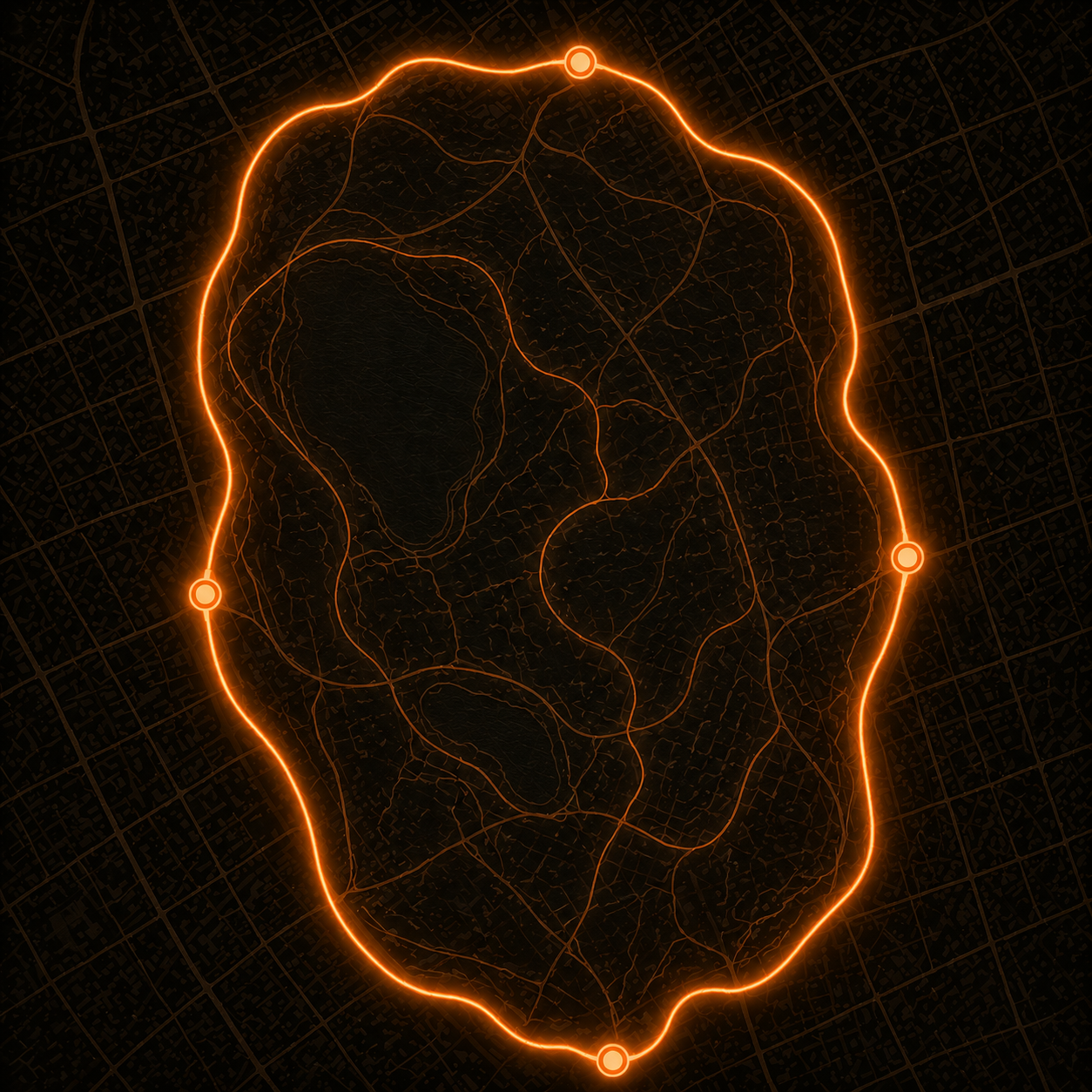
How does MoveMap actually count countries?
Each GPS workout in Apple Health stores a series of coordinates - your route as a list of latitude/longitude points. MoveMap reads those coordinates and checks each one against country borders. Borders come from OpenStreetMap, which has the most accurate worldwide administrative-boundary data freely available.
The algorithm is straightforward: for each workout, find which country (or countries) the route intersects. A run that stays within one nation gets counted toward that country. A workout that crosses a border - a Niagara Falls walk, say, or a hike across the Pyrenees - credits both countries with their portion of the distance.
The work happens entirely on your iPhone. No GPS data is sent to any server.
What else shows up in the Coverage dashboard?
The Coverage view is built around country as the headline geography unit, but it's not the only stat. Alongside the country list and total distance per country, you'll see:
- Total distance across your full GPS history - sum of every workout MoveMap has access to
- Longest single workout - the one outlier run, ride, or hike
- Highest single-workout elevation - sometimes the elevation rank surprises people more than the country count
- Earliest recorded route - the workout your Apple Health archive goes back to
For a 7-year running archive, expect 5-15 countries for travelers, fewer for runners who mostly stay home. The number itself matters less than the surprise of seeing it written down.
Where does the GPS data come from?
MoveMap does not record workouts itself. It reads from Apple Health, where most iOS fitness apps write their data:
- Apple Watch (Outdoor Run, Outdoor Walk, Outdoor Cycle, Hike) writes to Apple Health automatically
- Strava (free or Premium) writes if Apple Health sync is enabled in Strava's settings
- Garmin Connect, Apple Fitness, AllTrails, Wahoo - all write to Apple Health by default or with one toggle
The more apps you've used over the years, the more cumulative GPS history you probably have. If your data is split between apps that did not sync to Apple Health historically, you can backfill via GPX export - we have a guide for Strava specifically.
Frequently asked questions
How accurate is the country detection?
Country detection uses GPS coordinates from each workout matched against OpenStreetMap country borders. Accuracy is essentially 100% for inland routes and very good for coastal or border-crossing routes. If a single workout crosses two countries (a run across the US-Canada border, for example), both countries get credited with their portion of the distance.
Does indoor activity count toward country totals?
No. Indoor workouts (treadmill, indoor cycling on a smart trainer, gym sessions) typically have no GPS data, so they cannot be assigned to a country. MoveMap is a map-based view and only includes activities with GPS coordinates. Indoor activities stay in Apple Health but do not appear in the Countries count.
Can I see country count for cycling and hiking separately from running?
Yes. The activity filter in MoveMap lets you show only running, only cycling, only hiking, only walking, or any combination. The Countries count updates live as you change the filter - useful if you want to know specifically how many countries you have run in versus cycled in.
Does this require a paid plan?
The country list works for your last 12 months of activity on the free tier. To see the country count across your full Apple Health history (every year you have), you need MoveMap Pro: Monthly ($1.99 with a 7-day free trial), Annual ($9.99), or a one-time Lifetime unlock ($19.99). All paid plans unlock the same Coverage dashboard.
What if my GPS data was recorded before I had an iPhone?
If you used a Garmin or other GPS device before iPhone, the data might still be retrievable. Garmin Connect can write your historical activities to Apple Health if you enable that sync in settings. For other devices, export to GPX and import via a tool like HealthFit - see the Strava export guide for the general method.
Can MoveMap show the countries on a world map?
Yes. The main map view in MoveMap has no boundaries - zoom out to see your entire planetary footprint. Routes in different countries appear as the same amber glow on a single world map, which is one of the most-shared screenshots from the app for runners who have traveled.