Wait - do my walks have GPS?
The short version: only if you logged them as Outdoor Walk workouts. Apple Watch doesn't continuously record GPS for general step counting - it would drain the battery. GPS only activates when you start a workout (or when an app like Strava is actively recording).
So:
- If you tap the Workout app on Apple Watch and start an Outdoor Walk - GPS is captured, route is stored in Apple Health
- If your watch detected a walk automatically and prompted you to log it - GPS is captured for the prompted portion
- If you just walked without starting a workout - no GPS route, only step count
The easy way to check: open the Fitness app and tap any past walk. If a map appears below the stats, the GPS route is stored. If not (or the workout is just step-count-only), there's no route to render.
Where walk routes live
Every Outdoor Walk workout - whether recorded by the Apple Watch Workout app, Strava, AllTrails, or another app - writes to Apple Health on your iPhone. The data is stored locally on your device. Apple doesn't upload it. No third party can read it without you explicitly granting Health permission.
Each walk includes:
- Full GPS polyline of the route
- Pace, heart rate, and elevation (if your watch captured them)
- Duration and total distance
- Workout type tagged as Walking
How to see every walk on one map
Download MoveMap from the App Store
Free to download, no account required, works on any iPhone running iOS 17 or later.
Grant Health access on first launch
MoveMap asks for read access to Workouts and Workout Routes. Tap "Allow." That's the only permission the app needs.
Filter to Walking
Tap the activity filter in the toolbar and select Walking. Every Outdoor Walk you've ever logged - on Apple Watch or any other app that writes to Apple Health - appears as a glowing polyline on the map.
Use the heatmap to see your patterns
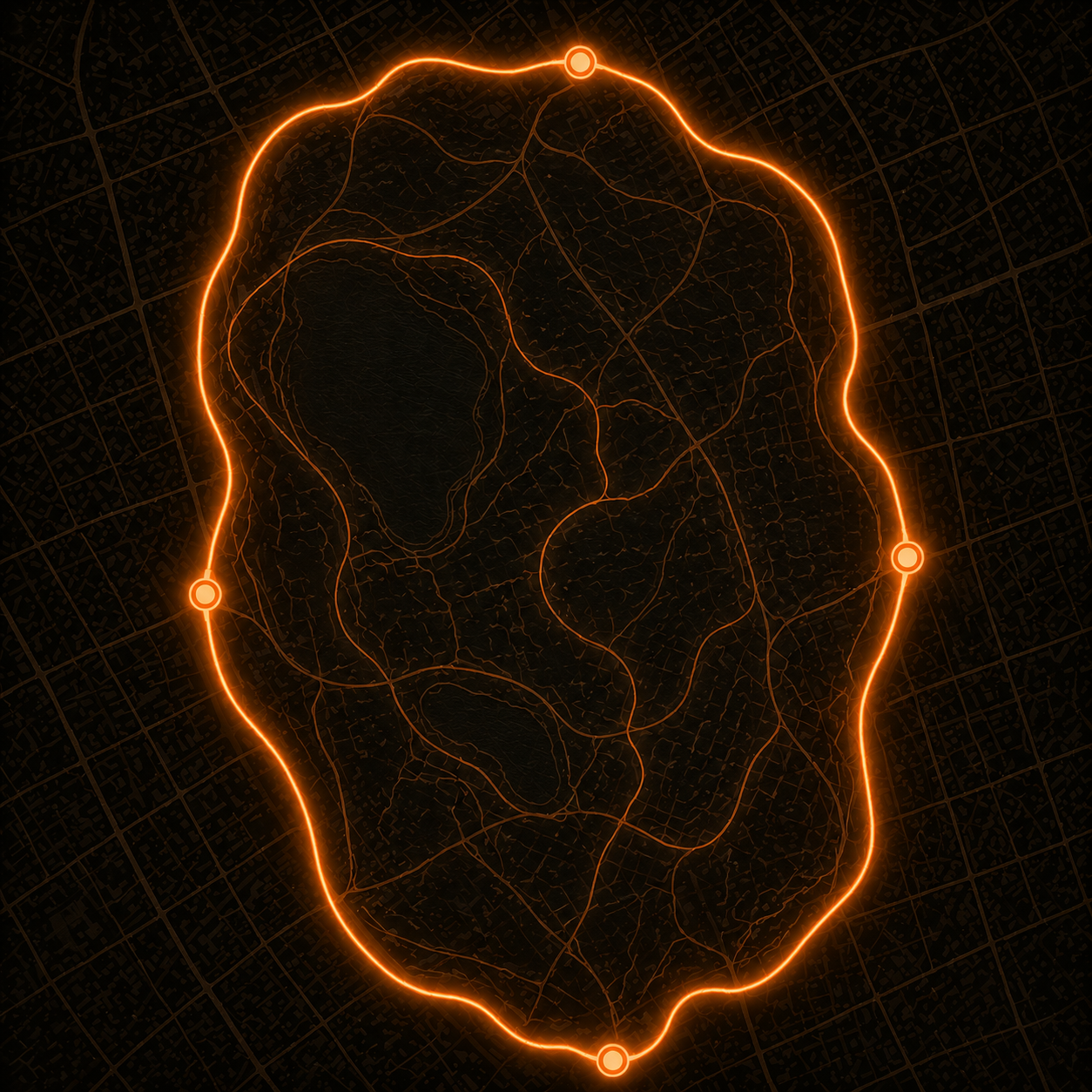
Switch from Recency to Heat mode (flame icon in the top toolbar). Streets you walk most often glow brighter; one-off routes appear faint. The result is a visual answer to "where do I actually walk?"
Note on the free tier: MoveMap free shows your last 12 months of walks. MoveMap Pro unlocks every year of walking history you have. There's a 7-day free trial on Monthly, plus a one-time Lifetime unlock for people who'd rather not subscribe.
A word on walk privacy
Walks are different from runs. They tend to start at your home, your office, or your usual coffee shop - which means a walking heatmap reveals more about your daily life than a running map would. This is worth thinking about, especially if you ever share screenshots.
MoveMap takes the on-device approach for exactly this reason. Your walking routes never leave your iPhone:
- No account, no sign-up, no email
- No upload to any server
- No analytics SDK or third-party tracking
- No cloud sync or web view
If you want to share a screenshot of your map externally (Instagram Story, blog post, etc.), zoom out beyond your home neighborhood or crop out the start/end points of your most-frequent routes. The Coverage dashboard view - which shows countries you've walked in rather than specific routes - is often a better thing to share publicly.
How to hide specific walks
If you want to remove a particular walk from MoveMap (work commute, doctor visit, anywhere you'd rather not see plotted), delete it from Apple Health:
- Open the Health app on your iPhone
- Tap Browse > Activity > Workouts
- Find the walk you want to remove, tap it
- Tap the workout's name at the top, then tap Edit
- Tap Delete Workout
Once removed from Apple Health, the walk no longer appears in MoveMap. Note that this deletes the workout permanently across all apps that read from Health - so do it only for walks you genuinely don't want recorded.
Frequently asked questions
Do my walks really have GPS data?
Only if you started an Outdoor Walk workout on Apple Watch (or recorded with another app that captures GPS). Passive step counts don't have route data. If past Outdoor Walks don't show a map in the Fitness app, check Settings > Privacy & Security > Location Services > Apple Watch Workout and make sure it's enabled.
Can I see every walk in privacy mode?
MoveMap renders everything on-device. There's no privacy mode toggle to flip - it just is private by default. Your walk routes never leave your iPhone.
Can I hide certain walks?
Yes. Delete the workout from the Apple Health app (Browse > Activity > Workouts > tap the workout > Edit > Delete). Once removed from Health, it no longer appears in MoveMap.
Does this include walks recorded by other apps?
Yes - if those apps write to Apple Health. Strava walks, AllTrails walks, and Apple Workout (Outdoor Walk) all appear in MoveMap once they've synced to Health.
Will the heatmap reveal my home address?
Visually, frequent routes near your home will brighten in the heatmap. But the data stays on your iPhone - nobody else sees it. When sharing screenshots externally, zoom out or crop to remove revealing detail. The country-coverage view is a safer thing to share publicly.